How to send us your project
DropBox
Many publishers/authors find it easiest to use DropBox. If you have an account, we can share a folder, and exchanging files is a snap! If you don't have an account, you can get one for free.FTP
If you are familiar with FTP, then use the following parameters to send your completed PDF and media files.
Host = **********
Username = ***********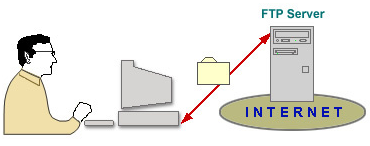
Password = (email
us for the info)
If the files are large (and
plentiful),
please contact us first.
Not sure what to do?
If you are new to FTP (File Transfer Protocol), that is fine, too. Follow these steps to send your files to us.
Get this program. It is very small, does not make changes to your computer, and is easy to use. Oh, and it is FREE! It is called FileZilla, and it is a Portable App (you can keep it on a flash drive).Click the icon to the right to go and get FileZilla.

1. Download and install.
2. Start the program.
3. Put in this information (I have highlighted in YELLOW)

5. Press Quickconnect and you will be at the site.
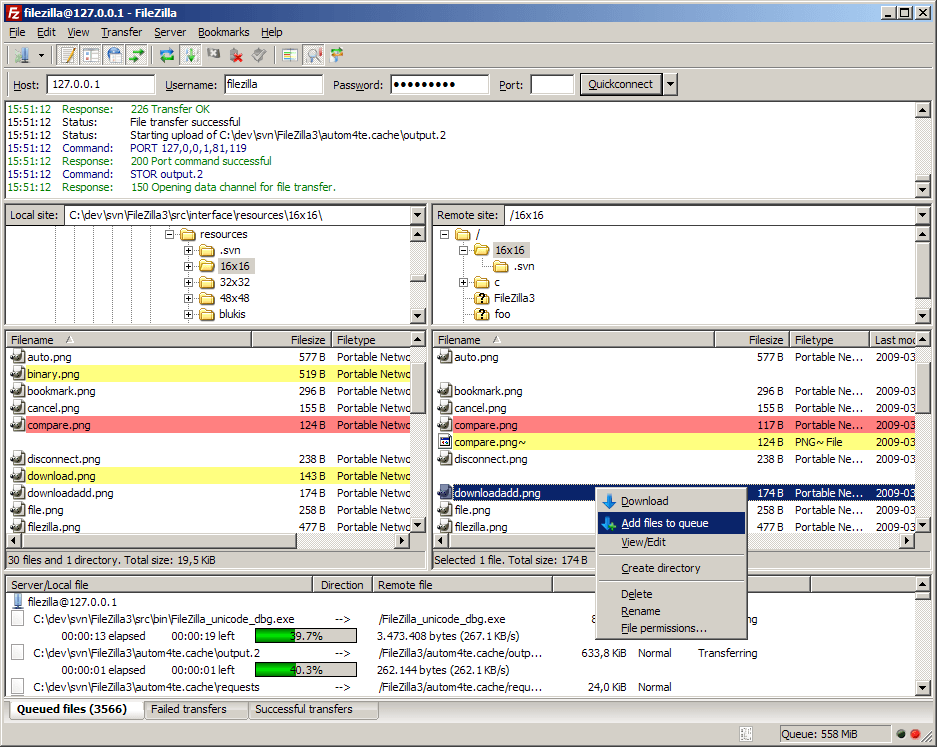
Everything in the LEFT panel is on your computer (Local Site), and everything on the RIGHT panel is up at our website (Remote site). Here is a screenshot of FileZilla and what the panels look like.
http://filezilla-project.org/images/screenshots/fz3_win_main.png
The RIGHT panel is set to where the files should go. Find your files (PDF and others) on the LEFT panel, then drag them over to the RIGHT panel and drop. Depending on the size, the files should be copied over in a few minutes (the files are COPIED, they are NOT MOVED -- you still have them).